In this tutorial, I’ll show you step-by-step how to make your subject pop out of the frame for a creative 3D look using Photoshop 2025. Perfect for eye-catching social media posts, posters, or digital art projects!
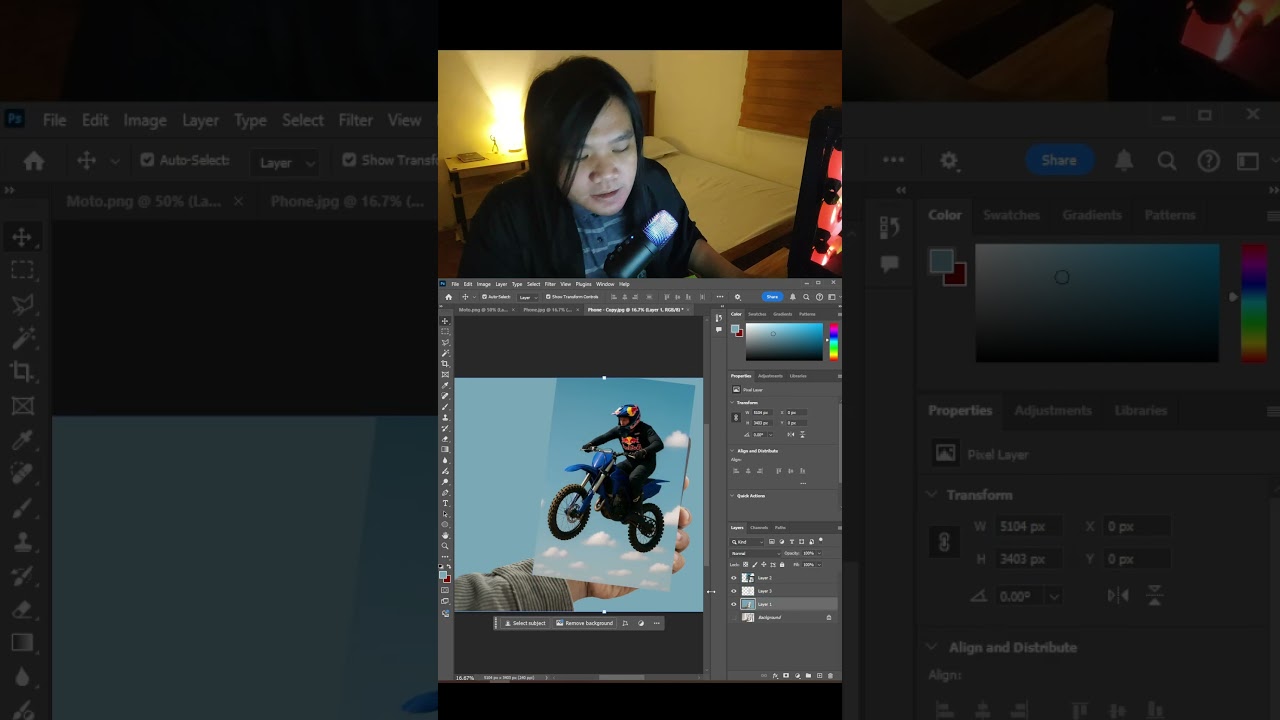
In this tutorial, I’ll show you step-by-step how to make your subject pop out of the frame for a creative 3D look using Photoshop 2025. Perfect for eye-catching social media posts, posters, or digital art projects!
Nice work Arren! Given that Photoshop is way out-of-reach for most people in the world, I’d love to see how this could be done using an open source/libre software alternative like GIMP or perhaps Krita instead, that literally anyone with a computer and internet connection can use on any platform (I run Linux, which, of course, Adobe doesn’t support, but I wouldn’t run Adobe products regardless because they’re an objectively horrible corporation) at no cost.
Hi @Lightweight Thanks for the suggestion! I agree that accessibility matters, especially for learners and educators who may not have access to Adobe tools. I used Photoshop for this one because it’s the tool I’m most familiar with, but the process itself can definitely be translated to open-source alternatives like GIMP or Krita.
That’s actually a good idea for a follow-up: I can try recreating the same workflow using GIMP or Krita and compare the steps. Appreciate you pointing this out!
Thanks 
I make a lot of basic images in GIMP for math arithmetic visuals and relyon the assorted tutorial videos because I know about20 whole things but I still forget them  I’d be very interested in GIMP tutorials.