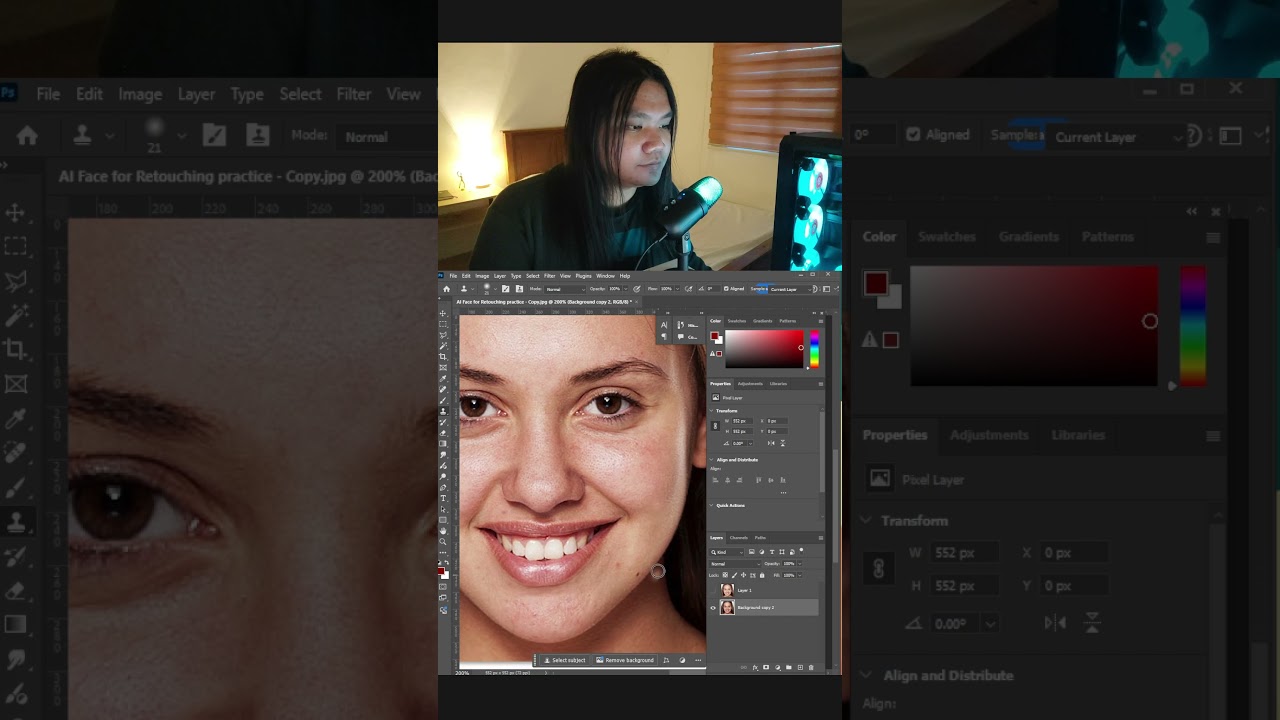
While AI automation grows within the open ecosystem, true digital competence requires creative control. This quick video focuses on manual, non-destructive skin retouching in Photoshop to achieve natural results without the synthetic “uncanny valley” look of AI presets.
By mastering these foundational techniques, we support the OEG community’s mission of human-first learning and digital literacy.
Thank you for sharing your Photoshop touchup techniques- I have been using this software since the early 1990s and feel like there’s more I don’t know than I do! I should try using curves more, it’s a bit of guesswork, but here you show you can do more fine tuning than with brightness and contrast.
The clone tool is one of my all time favorites- I use it often to remix images where say I want to add my own title for a film poster, and to remove distractions too. It takes much practice but you get very close to the image.
And I have never used the camera roll filter, I can’t wait to explore it.
Thank you for sharing your expertise.
I bet if anyone wants to know how to do some kind of image/photo edit that Arren might be able to show you.
Wow. Hearing that from someone who has been using Photoshop since the early 90s is such a massive honor. You’ve literally seen the software evolve from its roots as I began to use this in the version of CS5 (Released in 2010)
And I love that you’re using the Clone Stamp for poster titles, that takes real patience and a sharp eye !
Definitely explore into the Camera Raw Filter when you have time. It saves so much time compared to stacking dozens of adjustment layers.