What’s of interest? Teaching Coding with OpenProcessing
Tell me more!
Today, creative coding is an exciting medium to explore, teach, and create interactive visual works. But exposing new students to computational thinking, algorithms, coding’s limitless possibilities comes with its challenges: localhost setups, bugs, syntax errors, and infinite loops, for starters. And navigating through libraries, documentations, and code repositories online, just to experiment with an idea, brings another layer of barriers that add to coding’s infamous learning curve.
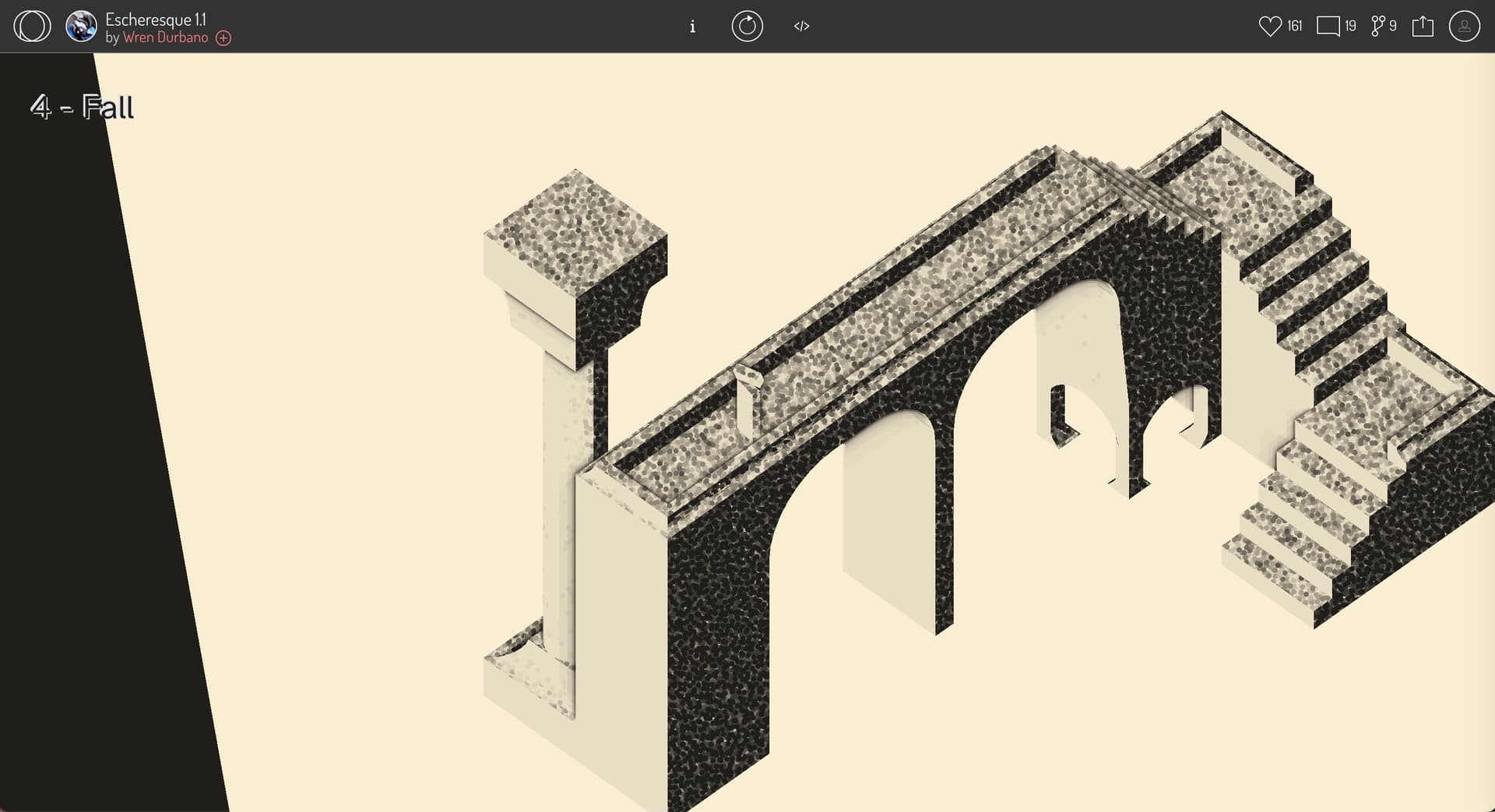
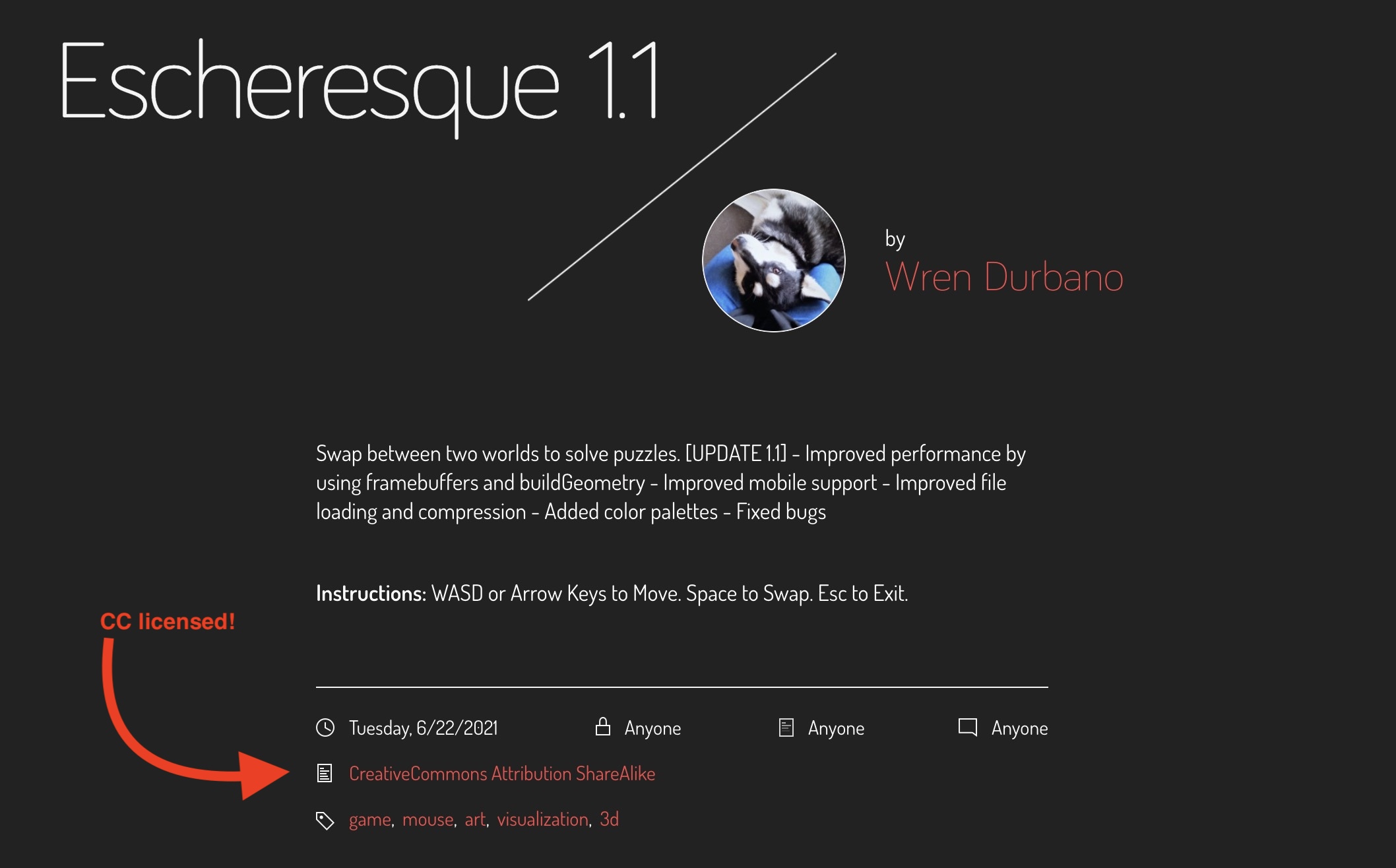
With OpenProcessing, we’re aiming to eliminate those hurdles by providing a platform that enables teachers and students to code ideas in seconds, share with ease, initiate conversations over algorithms, variables, structure, and loops — all the things that matter as you learn.
A Simpler Code Editor
Today’s code editors, like Brackets, Atom, and VSCode are great for building professional, scalable apps and websites. That is, of course, if you can navigate sophisticated interfaces, extensions, and hundreds of keyboard shortcuts. Mastering a code editor can be as hard as learning a programming language itself.
In contrast, OpenProcessing puts the focus on learning and creativity.
With its minimalist design, it takes all the pro-features away from the eyes to let students focus on the code and see their results with a single click. The big inspirations for this project, DBN and Processing, have proven how simplified code editors can lead to great projects by beginners and professionals, alike. OpenProcessing is now taking those ideas online to make coding easier and more social.
Where is it?: https://medium.com/openprocessing/teaching-coding-with-openprocessing-3b3b775c6ad2
This is one among many items I will regularly tag in Pinboard as oegconnect, and automatically post tagged as #OEGConnect to Mastodon. Do you know of something else we should share like this? Just reply below and we will check it out.
Or share it directly to the OEG Connect Sharing Zone