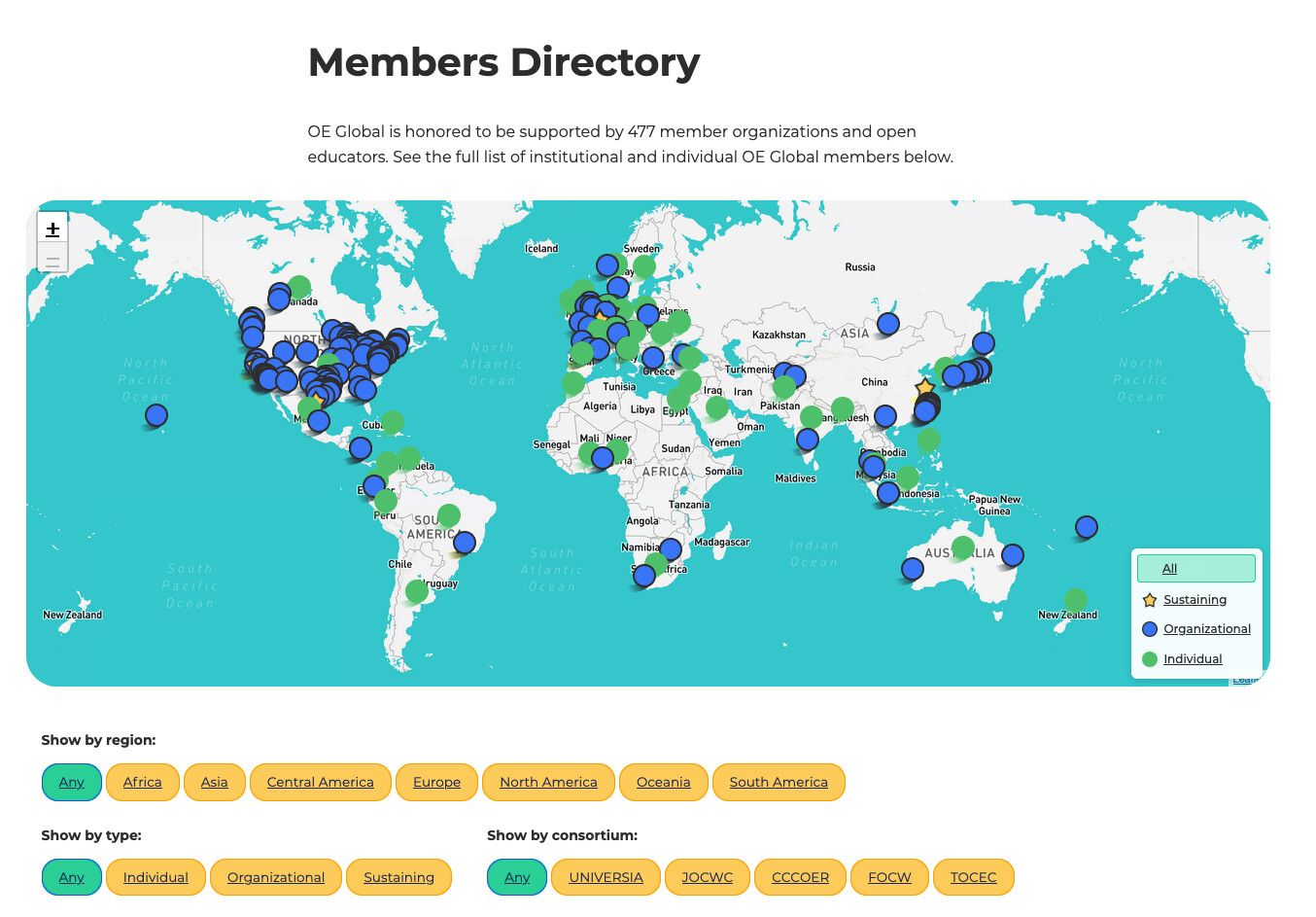
Have you checked your organisation’s profile recently? Is all the information up to date?
Check your organisation profile here ….
We love our members and are very grateful for your enthusiasm and support in advancing open education. There have been over 930 organisations supporting Open Education through OEGlobal since 2008. Long may we collectively continue!!
You might have seen some exciting changes to the OEGlobal website – OEGlobal is also working on an exciting new way to display your organisation’s support and dedication to open education … However, we have noticed that many of our wonderful members have not updated their profiles, logos or contacts since they first joined (in some cases, since 2005!!).
Take control of your organization’s profile on OEGlobal
If your profile needs a big or small update, then go no further, below are 6 easy steps to getting it up-to-date!
Update your Organization’s Profile and Impact on Open Education
We would love to feature the most up-to-date information about your organisation and your impact on Open Education on our platform.
To do this is really easy:
-
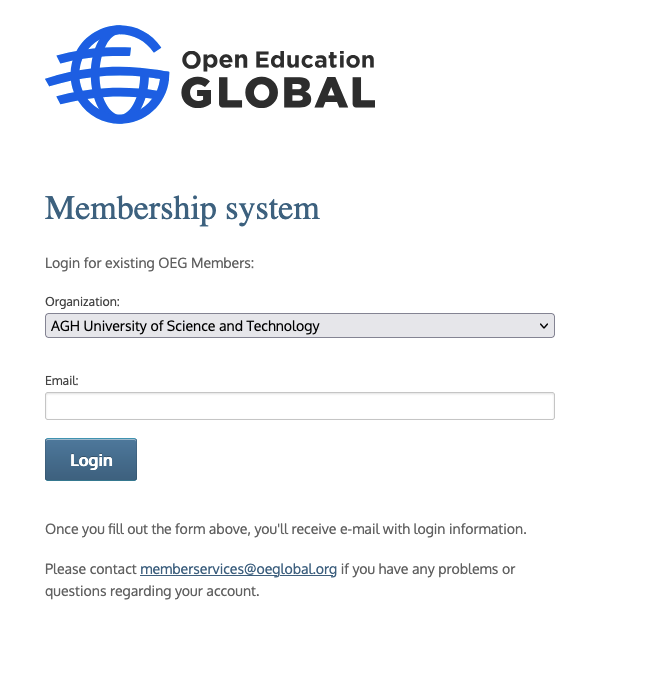
Click on this link: https://members.oeglobal.org/
-
Select your institution from the dropdown.
-
Enter your email address. Once you complete the fields, you’ll receive an email with login information.
-
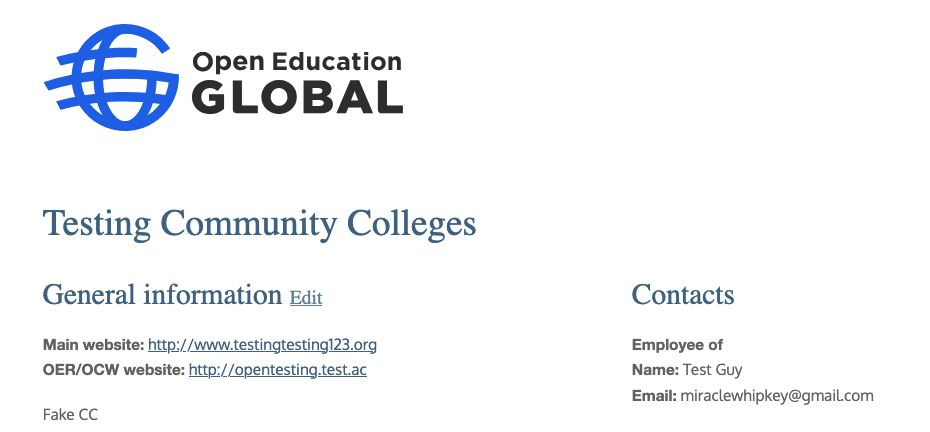
The email link will take you to a new webpage linked to your organisation profile. Here you can click on the “View organization information” link. That should take you to a page that reflects your organization’s information – it should be more detailed than the screenshot of our test page below.
-
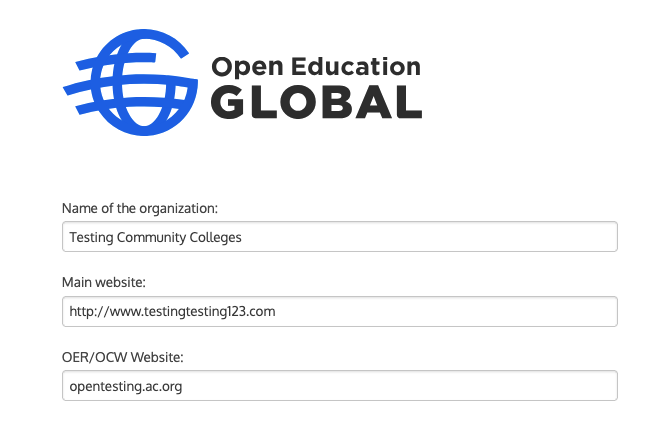
Click on “Edit” next to the “General information” title – this will take you to a form. In the form, you can add or change information, and update your logos and links.
-
Don’t forget to click “SUBMIT” to save and have your changes reflect.
-
That’s it!
Note: Your changes will not be reflected immediately, as they must be manually approved in the CRM to take effect. Ping memberservices@oeglobal.org to speed up the process!
Update your contact person’s details.
People come and go from organizations all the time! However, two people are able to access your organisation’s membership information and can vote on behalf of your organisation.
If you know that the lead or accounting contact for your organization’s membership is no longer working on open education or has left your organization, please contact member services.
Please contact memberservices@oeglobal.org if you have any problems or questions regarding your account.
