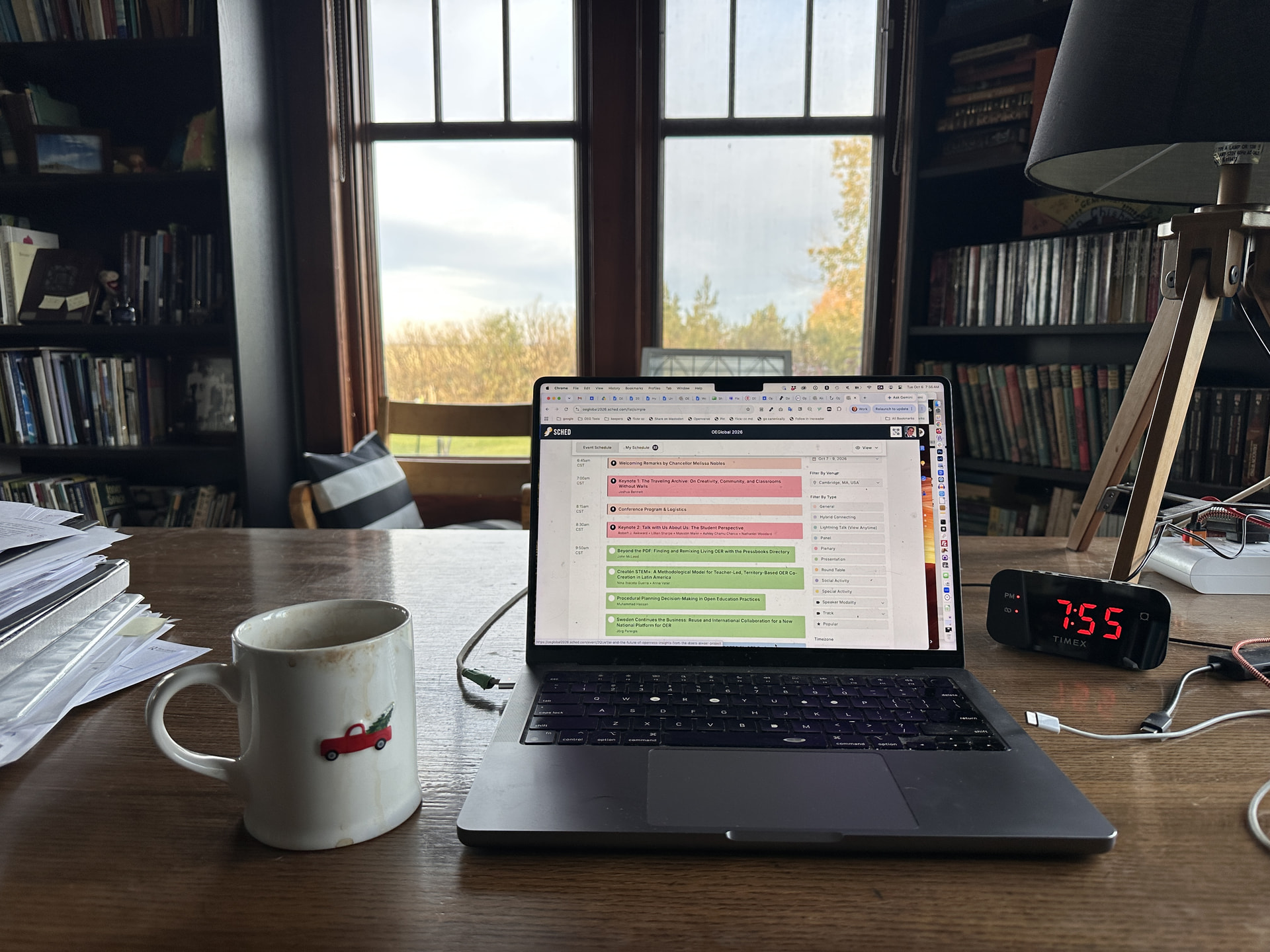
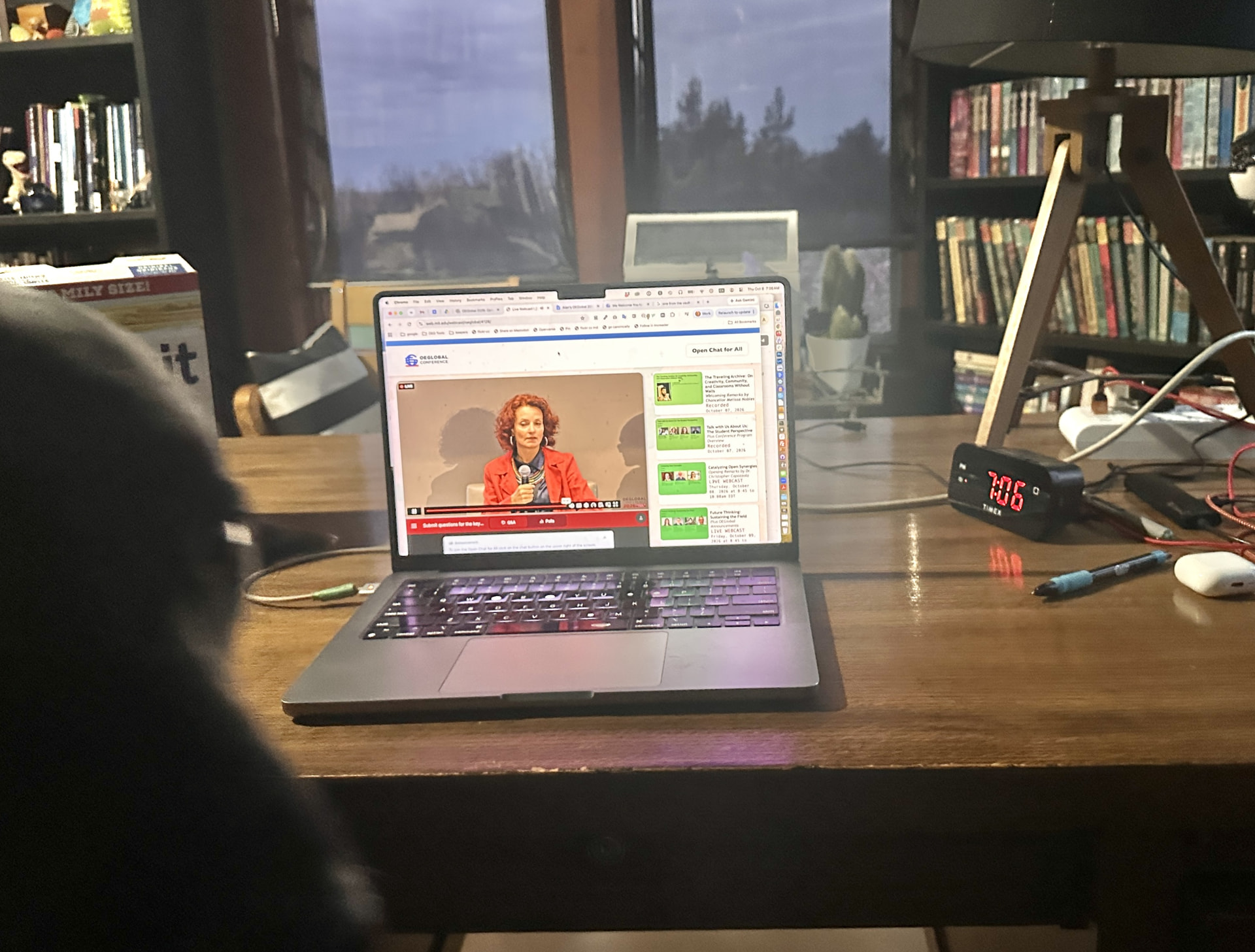
We will see views of the conference from people sharing photos at the venue in Cambridge, but here we invte online participants to show what their view looks like.
Share,as a reply to this topic, a photo or just a text description of the place you are participating in the conference.
This might be your kitchen table, an office, a desk in your den, your back yard. If you share a photo, try to include the device you are connecting with, but also as much of the room or view beyond.
To post a photo from a computer, drag an icon for the photo directly into the editor. Otherwise, make use of the Add Image/File button in the editor bar (on a mobile device this will be located in the bottom right corner of the screen)

Note: This activity has been done in a number of online conferences including the OEGlobal 2020 online conference, but I know it as something instructor Donna Rebadow at Paradise Valley Community College did for classes in the late 1980s conducted in text only forums. See:
What does your view of the conference look like? Show us the view from your conference seat.
OEGlobal 2026 Navigator
 Program in Sched
 OEGlobal 2026 Conference Web Site
 Main Space in OEGConnect
 Front Entrance public conversations “outside” the venue
For Attendees:
The Lobby meet attendees
Information Desk updates and help
Session Conversations discussion and sharing
Interaction Zone activities and things to do