Hello and welcome to all registered participants for the OEGlobal 2026 conference to our online space within the larger OEG Connect community. If you are new to this platform and created your account with an invitation link, this should be the first message you see after creating a topic.
A Conference Venue
For those new to OEG Connect, there is a much to take in! It is not much different from other communication platforms for having threaded conversations. The “spaces” we refer to are large categories, within each are “topics” (or threads) where you can reply as well as start your own topics.
Consider a typical conference venue before an event starts. It has all the rooms, tables, and chairs, all clean and empty.
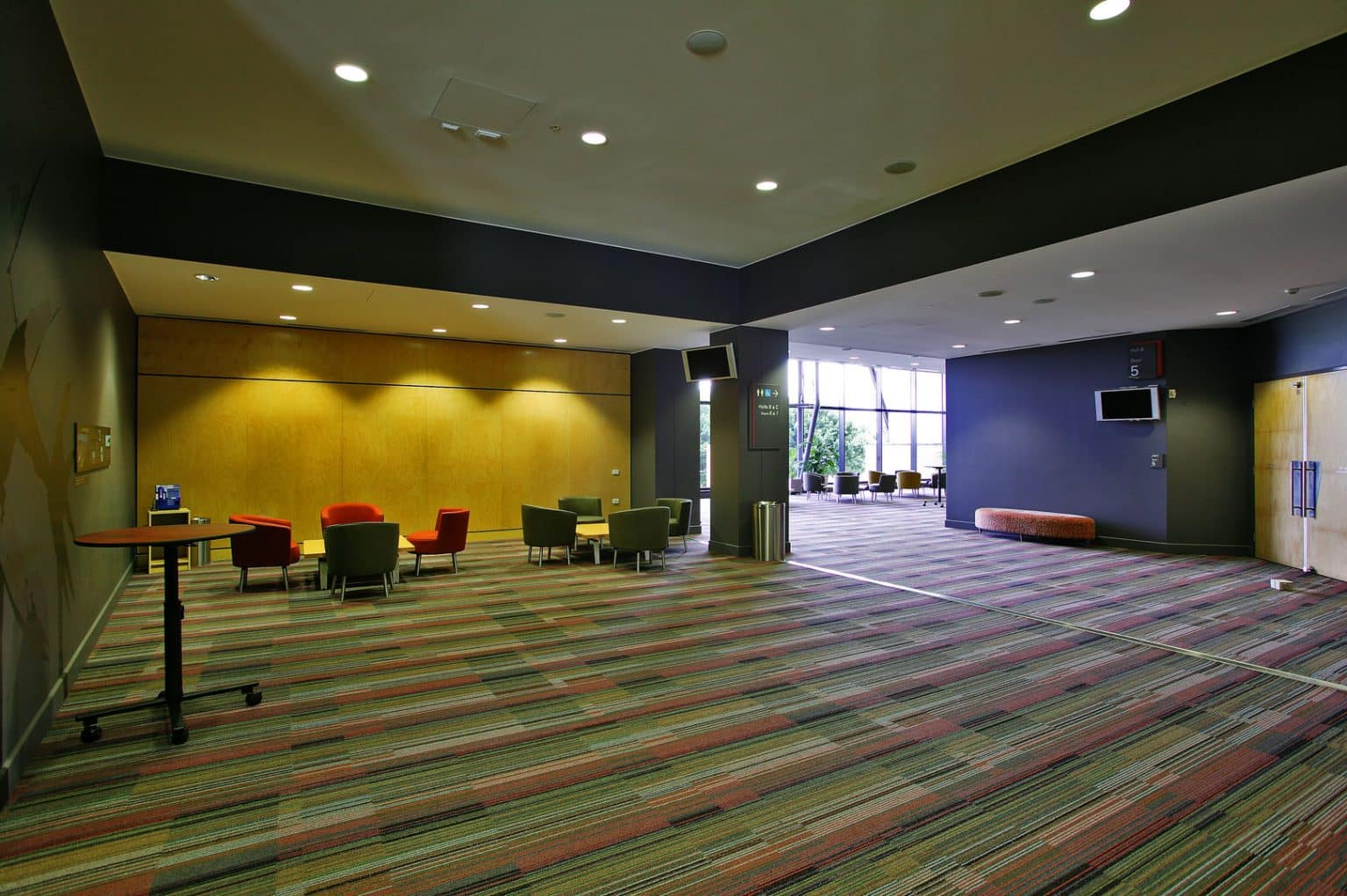
from Foyer at the Cairns Conference Center
The space starts to develop for a conference when the organizers set up the displays, hang posters, create a welcome desk, and but it really comes alive when the attendees arrive and fill it with conversation and activity. The same goes here online, we can create “spaces” but they become most exciting and worthwhile with the activity of the participants.
Like you!
Find Your Way Around
For basic navigation here, the best orientation point is the main entrance, always available on the navigation menu. From there you can enter the main areas or go directly to latest active topics in each.
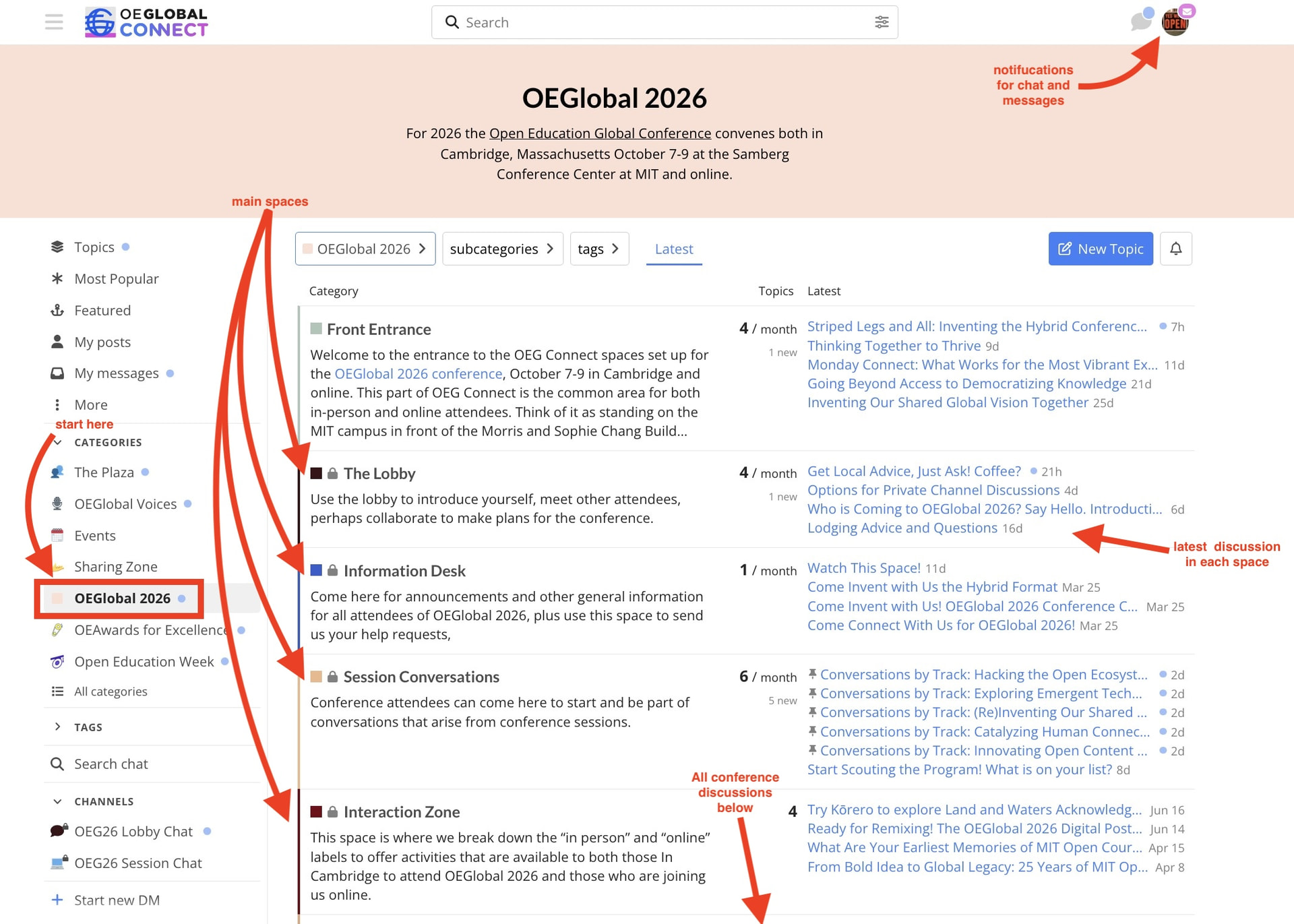
We don’t want to overwhelm you with too much information, so we offer a more detailed guides in the OEGlobal 2026 Participant Guide to OEG Connect.
Suggestions to Get Started
The best way to learn is to explore, read, maybe reply, and join the conversations that are just started. Here are five things to do to get started:
- Go to The Lobby and reply to the call for introductions Say hello! share what you are excited about for OEGlobal2026. Or start a new conversation topic with a call for connecting by specific topics, projects, platforms, organizations.
- Session Conversations is the place to share and talk about conference session, ideally by track. Consider scouting the conference program and sharing which ones your definitely want to see. Or if you are presenting, you can launch your own topic just about your session.
- Find and communicate with other attendees in the Conference Group that acts as directory of usernames of all attendees who gave joined us in OEG Connect. Try sending a direct message by clicking the icon of any user, and use the message button. You can also access the messaging capability by clicking any time a connect user is named in a post with an “@” - message me via @cogdog I will answer.
- The Interactive Zone includes activities that can happen outside of sessions and asynchronously. Try remixing our Digital Postcard to make a message about your excitement for the conference.
- Wander and Explore look around the other spaces and see what else is happening there, just start at the main entry or use the navigation links at the bottom of this message.
For more suggestions, explore our Hybrid Transit Map
If you need help with anything in OEG Connect, look for the help desk or send a message us via @OEGconnect.
You can help make this space come alive by being part of the conversations.
OEGlobal 2026 Navigator
 Program in Sched
 OEGlobal 2026 Conference Web Site
 Main Space in OEGConnect
 Front Entrance public conversations “outside” the venue
For Attendees:
The Lobby meet attendees
Information Desk updates and help
Session Conversations discussion and sharing
Interaction Zone activities and things to do